What Is KidTalk? Pricing, Ages, Languages, Data Handling, and Other Frequently Asked Questions
• KidTalk Team
This page gathers the questions we’re asked most often about KidTalk in one place. If you arrived from a search or an AI assistant while looking for a voice-based AI app for children, here are the facts, briefly and without a pitch. Each answer links to the longer post.
What is KidTalk?
An educational conversation app where a child talks to an AI by voice. The child speaks into the microphone and the AI (named Poppy) answers out loud. Answers are tuned to the child’s registered age: a four-year-old gets four-year-old language, a ten-year-old gets ten-year-old language. It supports Japanese and English and switches between them mid-conversation.
It isn’t meant to replace a parent. It answers the endless “why?”, gives a child practice at speaking, and adds seeds for family conversation.
What ages is it for?
Ages 2 to 12 and up. It runs entirely by voice, so children who can’t read yet can use it.
To be honest, around age three it often doesn’t go well, because very young speech is hard for machines to hear. We published the record of what didn’t work. Conversations tend to start clicking around five. At the top end, answers keep deepening into the upper elementary years.
What does it cost?
| Free | Light | Premium | |
|---|---|---|---|
| Monthly | ¥0 | ¥600 | ¥900 |
| Talks per day | 5 | 50 | 100 |
| Child profiles | 1 | 2 | 5 |
| Conversation history in the app | — | — | ✓ |
| Safety features and answer quality | identical | identical | identical |
The free plan needs no credit card and never expires. There are no ads on any plan. Details in the free plan explained without spin and on the pricing page.
What devices does it run on?
It’s a web app, so it runs in the browser on phones, tablets and computers. Nothing to install from an app store. You’ll need to allow microphone access.
On school-issued tablets with a managed microphone it mostly won’t run. We explained why in school device restrictions.
Can it be used for language practice?
Yes. The AI detects the language of each utterance, so a child who speaks in English gets English back and one who speaks in Japanese gets Japanese, and mixing the two is fine. It doesn’t correct mistakes, which makes it an easier partner for children who are afraid of getting it wrong.
What it doesn’t do: it doesn’t grade pronunciation, and there’s no curriculum. Does talking to an AI improve a child’s English? sets out what it can and can’t do.
What happens to my child’s voice and data?
- Audio is not stored. A child’s voice is processed in memory while the answer is generated and is never written to disk or a database. The same goes for the AI’s spoken reply
- Conversation text (a transcript of what the child said and the AI’s reply) is saved as history in the parent’s account. Only the parent can access it
- AI processing runs on servers in Japan (Tokyo region)
- No data is used for advertising; there is no advertising
- Account deletion is available in the app and removes the conversation history
The full journey is in Where does my child’s voice go? and the formal statement is the privacy policy.
Can parents see the conversations?
Yes. Every conversation is recorded in the parent’s account, and the child can’t delete it. Reading it inside the app is a Premium feature; disclosure on request is available on every plan.
We ask parents to tell their children that the conversations are visible. Our reasoning is in Can parents see their child’s AI chats? and the four kinds of parental controls.
How is safety handled?
- The AI runs under instructions designed for children and avoids age-inappropriate content
- Hard questions (“why do people die?”) are answered at the child’s level, not refused. Our view is that a refusal sends a child to a worse source
- Each recording is capped at ten seconds, and there’s a daily limit on talks
- Safety features are identical on free and paid plans
More in our safety commitment and the kids’ AI safety guide. The AI can be wrong, and we’ve written about living with that.
How is it different from ChatGPT or a smart speaker?
- ChatGPT is for ages 13 and up, with no age adaptation for children and no parental visibility. See the comparison and what age for ChatGPT
- Smart speakers are whole-family tools, not designed to answer at a child’s level or to let a parent read the conversation. See the differences
- For other kids’ AI apps, see our honest comparison of five types
Who makes it?
A small team in Japan builds and runs it. On this blog we try to write honestly, including what children actually ask and what didn’t work. Questions are welcome via contact.
How do I start?
Create an account in the app with an email address and password, then add your child’s name and age. No card needed. We suggest starting day one with the “let’s check that” habit.
Ready to try KidTalk?
Turn your child's curiosity into stories with safe, friendly AI.
Get started for freeRelated Articles
November 16, 2026
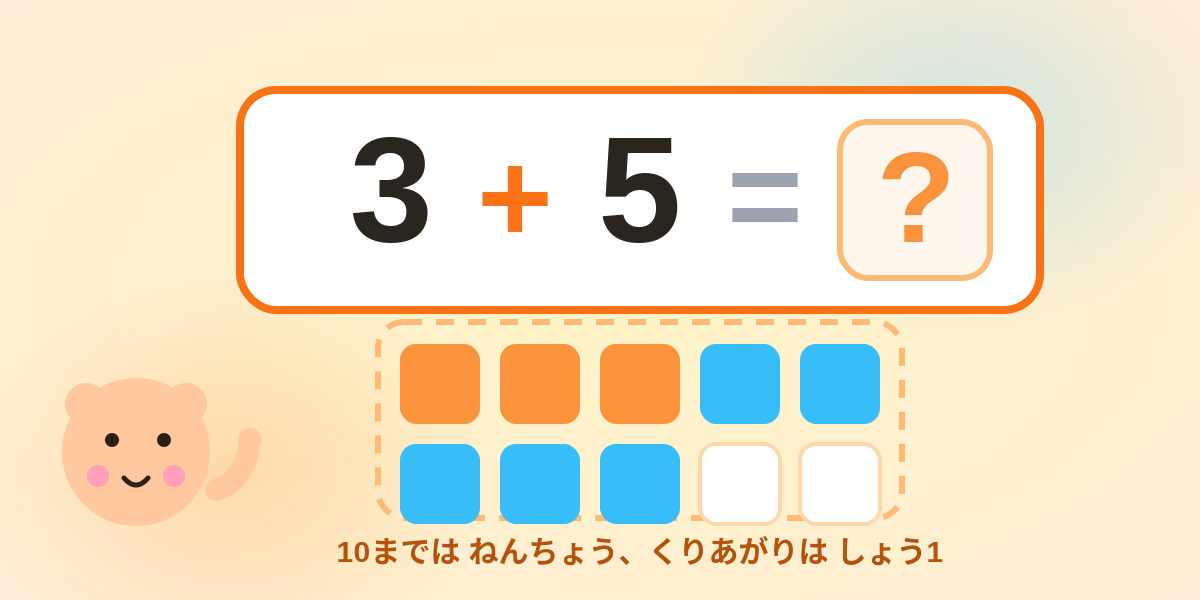
Addition and Subtraction: What Age? Within 10 at 5–6, Carrying in First Grade, and Why Counting on Fingers Is Fine
November 16, 2026
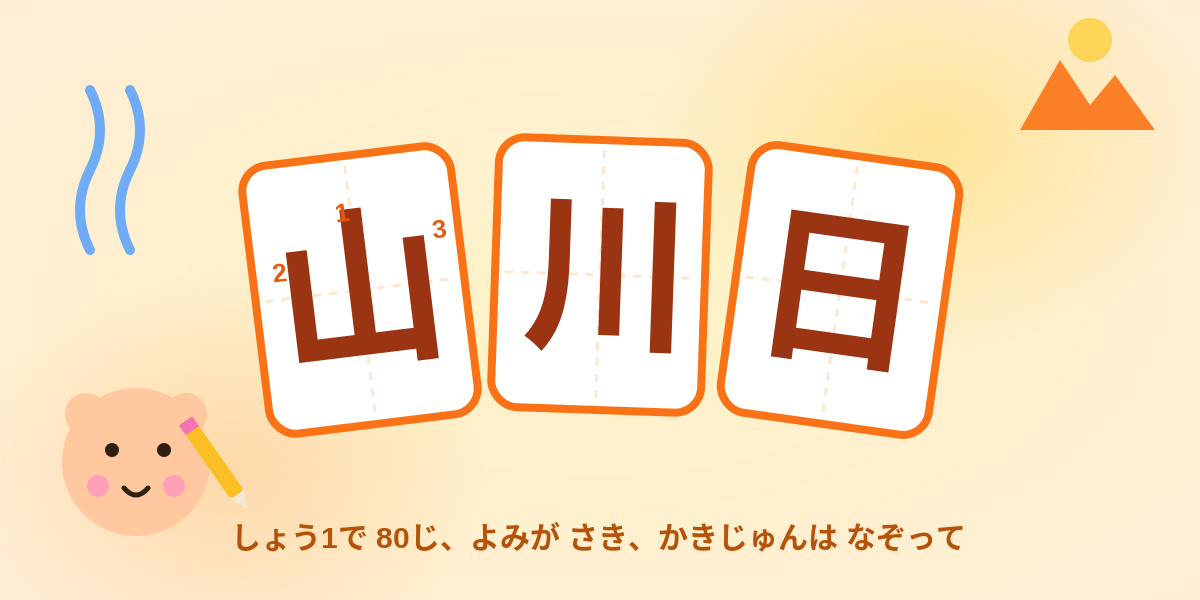
Kanji: what age? 80 in grade 1, reading before writing, and stroke order you trace rather than memorise
November 15, 2026