AI Speaker for Kids vs. Alexa: What's Actually Different?
• KidTalk Team
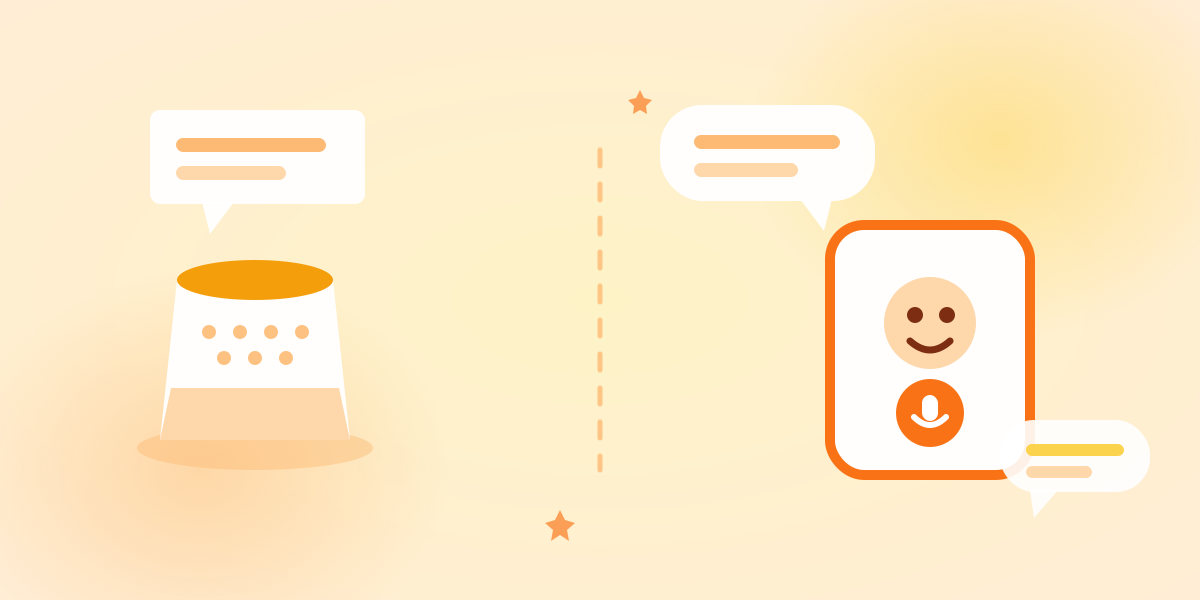
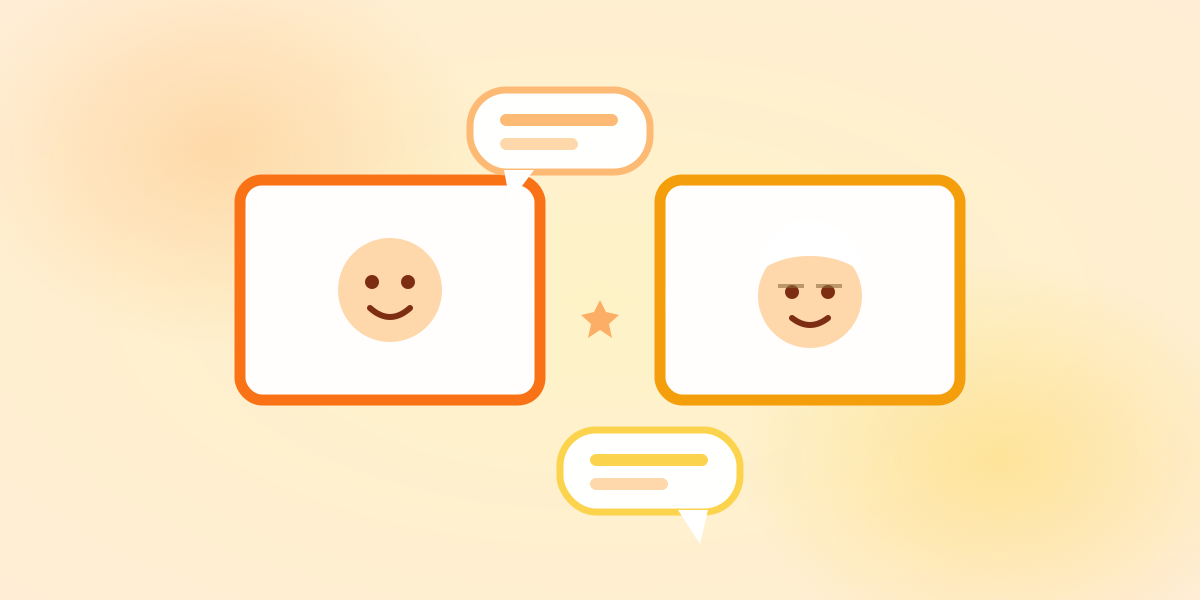
Short answer: A smart speaker is a tool for executing commands. A kids’ AI is something to have a conversation with. Neither is better — they’re built for different jobs. Weather, music and timers belong to the smart speaker. Answering “why is the sky blue?” in words a five-year-old can hold, then drawing out the next question, belongs to the kids’ AI. Using both is the sensible answer.
“We’ve already got a Google Nest — isn’t that the same thing?”
It’s the question we’re asked most often, and it’s a fair one. Both are machines you speak to. Both answer back.
So here’s a comparison rather than a sales pitch.
What they genuinely have in common
Starting with the overlap, because it’s real.
- Both work when your hands are full. Cooking, driving — voice handles it.
- Both work before literacy. They’re among the very few devices a preschooler can operate unaided.
- Both have almost no barrier to use. No keyboard, no tapping.
Everything good about voice interfaces for children applies to both. We wrote about that in Why speaking works.
Difference 1: Built to execute, or built to converse
This is the big one.
A smart speaker is designed as a command processor. “Lights on.” “Timer, five minutes.” “What’s the weather?” Input, action, done. Its value is the speed and accuracy of that loop.
A kids’ AI is designed on the assumption that the conversation continues. The answer isn’t the end; it’s supposed to leave something behind.
Here’s the typical difference on the same question.
“Why do cicadas sing in summer?”
Smart speaker “According to Wikipedia, cicadas are members of the superfamily Cicadoidea, order Hemiptera. Adults typically emerge in summer, and males produce sound via tymbal organs located on the abdomen…”
Kids’ AI (KidTalk) “Cicadas wait underground for years and years, then come out in summer. Only the males sing — they’re telling the females ‘I’m over here!’ Waiting that long is pretty amazing, isn’t it?”
The first isn’t wrong. It’s arguably more precise. It simply isn’t language aimed at a five-year-old.
And the second ends with a question, which is where the conversation keeps going.
Difference 2: Whether it adjusts to age
A smart speaker’s answer is essentially the same for everyone. A four-year-old and a forty-year-old get the same read-aloud result.
A kids’ AI knows the age. In KidTalk, once a child’s age is in their profile, the same question comes back differently.
“Why does ice float?”
- For a 4-year-old: “Ice is just a tiny bit lighter than water, so it bobs on top. Want to try it in the bath?”
- For a 9-year-old: “When water freezes, the molecules spread out a little, so the same amount weighs less — that’s why it floats. Most things get heavier when they harden, so water is a bit of an oddball.”
Equally true. Very differently received.
Difference 3: Distance from shopping and ads
Most smart speakers are also commerce platforms. You can buy things, you’ll hear service prompts, brands integrate with them. For an adult, that’s a feature.
In a child’s hands it’s a different matter. Accidental purchases by children are a problem every manufacturer has had to work on.
An app designed for children has no purchase path at all. KidTalk contains conversation and nothing else — there is nothing a child can buy from that screen.
Difference 4: What happens when it doesn’t know
This gets overlooked, and it’s where the safety gap is widest.
When a smart speaker lacks an answer, it will often read out a web search result. Search results aren’t curated for children. If your child asks something slightly dark, there’s no way to know in advance what will be read aloud.
A kids’ AI can have that behaviour designed in. KidTalk’s Poppy Bot is built to redirect gently — without alarming the child — when a topic isn’t suitable, and to suggest asking a grown-up when that’s the right answer.
How a system handles not knowing tells you more about its design philosophy than how it handles knowing.
Difference 5: Whether parents can see it
Smart speakers do keep history. But few households have the habit of opening settings to review it.
KidTalk shows conversation history in the parent area (Premium plan). What your child is curious about is simply visible. Noticing “they’ve been asking about space for two weeks” is worth something well beyond safety.
In fairness: where smart speakers win
This is a comparison, so let’s be straight. Smart speakers are better at all of this:
- Timers, alarms, weather, time
- Playing music and video
- Controlling lights and appliances
- Shared use by the whole household
- Shopping lists, calendars, household admin
As household infrastructure, a smart speaker is far more capable. You cannot turn the lights off with KidTalk.
Amazon and Google also offer children’s modes and filtering. Configured properly, those meaningfully reduce risk. The problem is handing a device over without checking the settings — not the device itself.
The realistic answer is: use both
They aren’t really competitors, because they do different jobs.
| Job | Better tool |
|---|---|
| Weather, timers, music, lights | Smart speaker |
| Answering “why?” at the child’s level | Kids’ AI |
| Shared family use | Smart speaker |
| A child talking on their own, safely | Kids’ AI |
| Seeing how your child’s interests change | Kids’ AI |
If you already own a smart speaker, keep it — it’s genuinely useful. The only gap is responding to a child’s “why?” as a conversation, pitched at their age.
For the general-purpose chatbot comparison see KidTalk vs ChatGPT, and for choosing between apps, How to choose a safe AI app.
Frequently asked questions
Is it dangerous to let a smart speaker answer my child’s questions? “Not designed for children” is more accurate than “dangerous.” Answers tend to arrive in adult language, and when it has no answer it may read out a web result. Turn on the manufacturer’s children’s settings, and stay nearby for the first while.
Won’t using both confuse my child? No. Children are good at this. “Music comes from that one, talking happens with this one” lands almost immediately.
Isn’t the smart speaker’s kids mode enough? Depends what you want. For content filtering and purchase blocking, it’s effective. But it’s mostly a feature that removes things — not one that rebuilds an explanation for a particular age. Screening out the unsuitable and speaking to a specific child are different design problems.
Can a kids’ AI replace a smart speaker? No. KidTalk won’t set a timer or turn off a light. It’s an app for conversation, not a remote control for the house.
In summary
Smart speakers and kids’ AI are both machines you talk to, but they’re aiming at different things.
- A smart speaker is for getting things done
- A kids’ AI is for keeping up with curiosity
If you already have a smart speaker and still have the feeling that nobody can keep up with the “but why?” all day, that’s the gap. Think of it as adding the missing piece, not replacing what works.
Ready to try KidTalk?
Turn your child's curiosity into stories with safe, friendly AI.
Get started for free