How to Choose a Safe AI App for Young Children (2026 Checklist)
• KidTalk Team
Short answer: To choose a safe AI app for a young child, look for one that was purpose-built for children (not an adult app with a kids’ mode), filters unsafe content before it reaches your child, has a clear child-focused privacy policy, gives parents visibility and controls, encourages healthy limits, and is honest about being an AI. If a product can’t demonstrate all six, keep looking.
New AI apps for kids are launching constantly, and they are not created equal. Here’s a practical way to tell a trustworthy one from a risky one — before you ever hand it to your child.
The 6 Questions to Ask Before You Download
1. Was it built for children, or adapted for them?
This is the most important question. A tool designed for kids from the ground up has age-appropriate language, a simple interface, and safety baked into its core. An adult product with a “kids mode” switch is fundamentally an adult tool wearing a costume — the underlying model, tone, and capabilities were never designed for a young child.
Green flag: The whole product, from the marketing to the interface, is clearly about children. Red flag: It’s an adult app that mentions a kids’ setting as an afterthought.
2. Does it filter unsafe content — and say so plainly?
Any AI a child talks to must actively block violent, scary, sexual, or otherwise inappropriate content before it reaches them. Look for an explicit, specific commitment to this, not a vague “we care about safety” line.
Green flag: A clear explanation of how content is filtered and kept age-appropriate. Red flag: No mention of content safety, or only generic reassurance.
3. Is the privacy policy clear, and written for parents?
You should be able to find, in plain language: what data is collected, how long it’s kept, whether your child’s voice or conversations are stored, and a firm statement that data is never sold or used for advertising. Bonus points for referencing child privacy laws (COPPA, GDPR-K).
Green flag: A short, readable privacy section aimed at parents, with compliance named. Red flag: A wall of legal text, or no clear answer on data retention and selling.
4. Are parents given real control?
Good kids’ apps put parents in the driver’s seat: usage or time limits, the ability to see or manage activity, and clear account controls. You should never feel locked out of your own child’s experience.
Green flag: Parent settings, usage visibility, and account management are easy to find. Red flag: No parent controls, or settings buried and hard to reach.
5. Does it encourage healthy limits — or maximize screen time?
A trustworthy children’s product is designed to be put down. Built-in daily or session limits are a feature that signals the maker respects your child’s day. Be wary of anything engineered to keep a child engaged as long as possible.
Green flag: Daily limits or natural stopping points built in by design. Red flag: Endless, open-ended engagement with no natural end.
6. Is it honest about being an AI?
The app should never pretend to be human, never ask your child to keep secrets from you, and never request personal information. It should be warm but truthful.
Green flag: Clear, honest framing — a friendly AI companion, not a fake human. Red flag: It encourages secrecy, blurs the human/AI line, or asks for personal details.
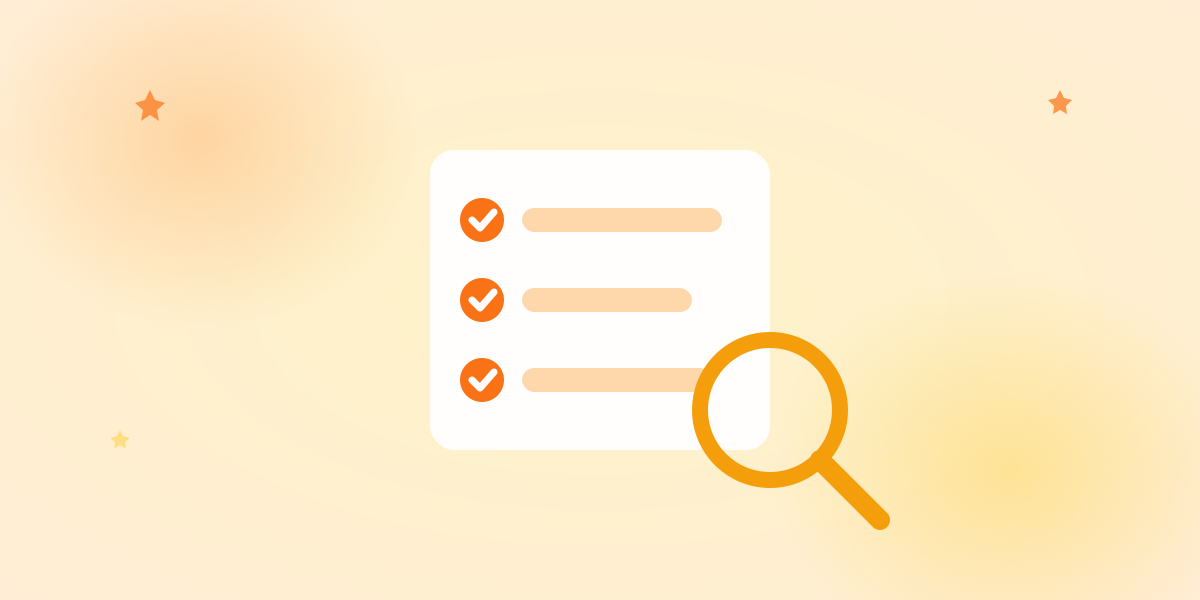
A Printable Checklist
Before downloading, can you answer “yes” to all six?
- Purpose-built for children, not an adapted adult tool
- Actively filters unsafe content, and says how
- Clear, parent-friendly privacy policy; no data selling
- Real parental controls and visibility
- Healthy limits built in
- Honest about being an AI; never asks for secrets or personal info
Six yeses means you’ve found a serious, trustworthy product. Any “no” is worth a pause.
Red Flags That Mean Walk Away
Some signals should stop you immediately:
- No privacy policy, or one that’s impossible to understand. If you can’t tell what happens to your child’s data, assume the worst.
- It asks your child for personal information — full name, address, school, photos.
- It encourages secrecy (“this is just between us”).
- It’s a thin wrapper around an adult chatbot with no real child safeguards.
- Reviews or the app itself mention inappropriate content slipping through.
Beyond the Checklist: Test It Yourself
Once an app passes the six questions, spend ten minutes with it before your child does:
- Ask it a few tricky questions a curious child might ask, and see how it handles them.
- Check the tone — is it warm, simple, and age-appropriate, or long and adult?
- Try to find the limits — does it gracefully redirect an unsuitable question?
- Sit with your child for the first sessions and watch how they interact.
Your own ten-minute test tells you more than any marketing page.
How KidTalk Measures Up
We built KidTalk to pass every one of these questions:
- Purpose-built for young children — voice-first, from the ground up.
- Content filtered by design — the AI is guided by strict safety rules so unsafe content is blocked before it’s spoken.
- Parent-friendly privacy — see our privacy page; we don’t sell your child’s data.
- Parent controls — usage visibility and account management for parents.
- Healthy limits built in — daily conversation limits by design.
- Honest AI — a friendly companion that never pretends to be human or asks for secrets.
You can read more about our approach in our safety commitment and why we differ from general chatbots in KidTalk vs ChatGPT.
Frequently Asked Questions
What should I look for in an AI app for my child? Six things: it’s purpose-built for children, it filters unsafe content, it has a clear parent-focused privacy policy, it gives parents control, it encourages healthy limits, and it’s honest about being an AI. If all six are true, it’s a trustworthy choice.
Are AI apps designed for kids safer than ChatGPT? Generally yes, for young children. Purpose-built kids’ apps have content filters, age-appropriate responses, and child privacy practices that general adult chatbots lack by default. See KidTalk vs ChatGPT.
How can I tell if a kids’ AI app protects privacy? Read its privacy policy. It should clearly state what’s collected, how long it’s kept, that data isn’t sold or used for ads, and ideally reference COPPA or GDPR-K. If you can’t find clear answers, treat that as a red flag.
Is it safe to let my child use an AI app alone? For young children, start together and keep it in shared spaces. As they get older and if the app has strong safeguards and parent controls, more independent use can follow — but an involved parent is the single biggest safety factor at every age.
The Takeaway
Choosing a safe AI app for your child isn’t about finding the flashiest features — it’s about six fundamentals: built for kids, filters content, respects privacy, gives parents control, encourages healthy limits, and stays honest. Run any app through those six questions, spend ten minutes testing it yourself, and you’ll quickly separate the trustworthy tools from the risky ones. Your child’s curiosity deserves a product that was genuinely built with them in mind.
Ready to try KidTalk?
Turn your child's curiosity into stories with safe, friendly AI.
Get started for free