Your Child Brought the School Tablet Home. Now What? House Rules and Uses Beyond Homework
• KidTalk Team
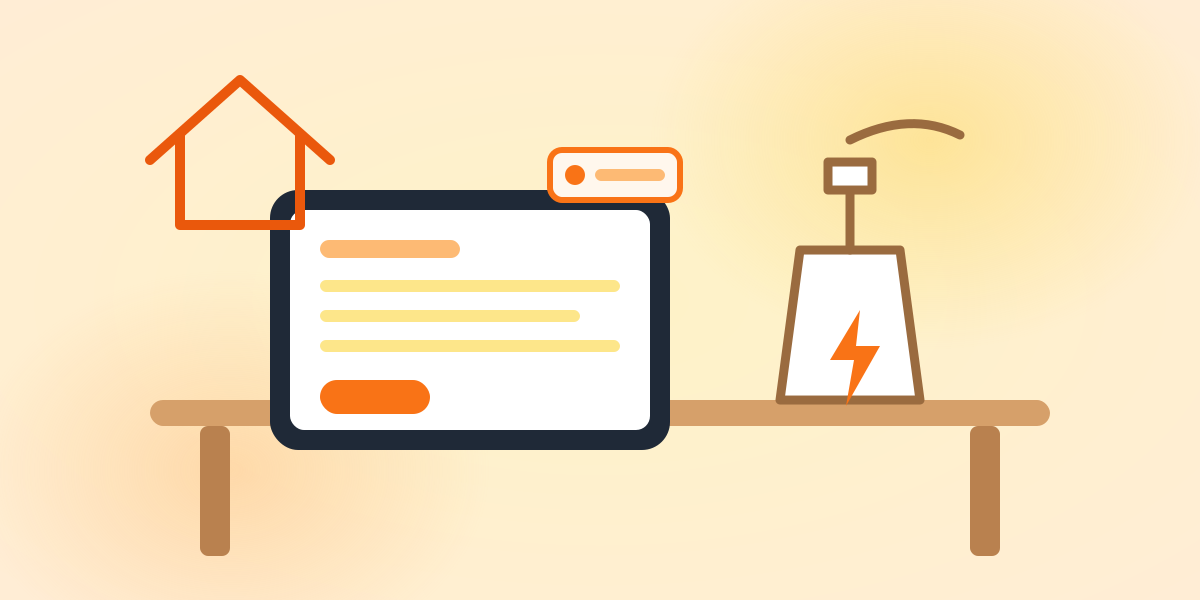
Short answer: When the school tablet comes home, there are only three things to decide: where it lives, when it’s used, and what it’s used for. “It belongs to the school, so it’s not our business” is a misunderstanding. How a device is used during the hours it spends in your home is the family’s call. The school manages the restrictions, as we covered in our previous post on school-device limits, but the school does not manage what happens after homework is finished. That part is yours.
What changes when the device comes home
Take-home policies vary: some schools send devices home every day, some only on homework days, some only over long breaks. What they share is this: at school, the device is used only while a teacher is watching; at home, it can be used while nobody is.
School filters are strong, but they don’t block everything that isn’t learning. Approved video services, search for research projects, reward games inside learning apps — what counts as part of a lesson at school becomes screen time after an hour on the sofa.
The three decisions
1. Where it lives
This is the one that works. Pick a charging spot, and make it somewhere visible in the shared living space. “Put it back on the charger when you’re done” is a rule a child can actually follow, and it quietly delivers “not in the bedroom” and “not within reach at bedtime” at the same time.
2. When it’s used
Homework time doesn’t count (we treat it like homework, so we don’t count it). The only decision is what happens with the “just a bit more” after homework. We recommend boundaries rather than minutes: “until dinner,” “until bath time.” Families usually can’t set a timer on a school-managed device, so the rhythm of the evening is the practical timer.
3. What it’s for
Define what the device may be used for as an allow list, not a ban list. “Homework, research, and whatever the school asked for” is the baseline; the family decides whether to add anything. If the device includes an approved video service, saying out loud “that’s the same rule as the TV” prevents most arguments.
Good uses beyond homework
“Nothing but homework” is a legitimate answer. But the tool is already in the house. Here is what a school device can do that is worth doing at home.
- Continue the lesson. If they researched dinosaurs at school, look up “so why did they disappear?” at home. This is the most natural form of “take the interest you found at school and continue it at home”
- Show and explain. Ask to see what they made today, on the tablet. This lifts the quality of dinner-table conversation noticeably. Putting the child in the explaining seat has the same effect as letting them ask the riddles
- Practice typing. From around age eight or nine, a school device is the best place to practice typing. On a home device, practice drifts into games; on a school device there is nowhere to drift to. Our free typing practice uses no microphone, so it runs on school devices
- Confirm what it can’t do. The mic doesn’t work, apps can’t be installed. Check together and use it to teach the difference between a school tool and a family device
”It’s the school’s, so your rules don’t count”
Older children will try this. It sounds logical and isn’t.
“Using the school’s device under the school’s rules is right. But how you spend your time at home follows our home rules. The school says so too — it asks families to set their own agreement.”
Most take-home policies include a line asking parents to decide on home usage. Read the school’s handout together, and the rule arrives as the school’s position, not just yours.
It also helps to add one line to your family technology agreement: “The school device follows our rules while it’s in our house.” Decide it before the argument, not during.
Frequently asked questions
They watch videos on the school device for hours. Approved video services often can’t be blocked by the school, so the family has to decide. Two moves: say clearly that “video on the school device counts the same as TV,” and make the charging spot the living room.
What if it gets damaged at home? Policies differ by district, and families are sometimes liable. Check the paperwork from when it was issued. A fixed charging spot in a shared room is also the best protection against drops and spilled drinks.
Can they use home learning apps on it? As we explained last time, mostly not. KidTalk, for instance, doesn’t run on a device with a managed microphone. Home apps on the home device is the clean split.
Siblings fight over our one family tablet. Can the school device fill in? Using the school device as a stand-in for the home device mixes two rule sets. We don’t recommend it. Sibling fights are better solved as a home-device rules problem.
Summary
- The family decides how the device is used at home; the school manages the device, not the evening
- Three decisions: where it lives (charging in the living room), when (evening boundaries), what for (an allow list)
- Good uses beyond homework: continue the lesson, show and explain, practice typing
- To “your rules don’t count,” read the school’s handout together
A school tablet coming home is also a child’s first experience of looking after something they’re borrowing. Put it back on the charger, stop at the agreed point, carry it in without breaking it. That small practice in stewardship outlasts the tablet.
Ready to try KidTalk?
Turn your child's curiosity into stories with safe, friendly AI.
Get started for freeRelated Articles
November 16, 2026
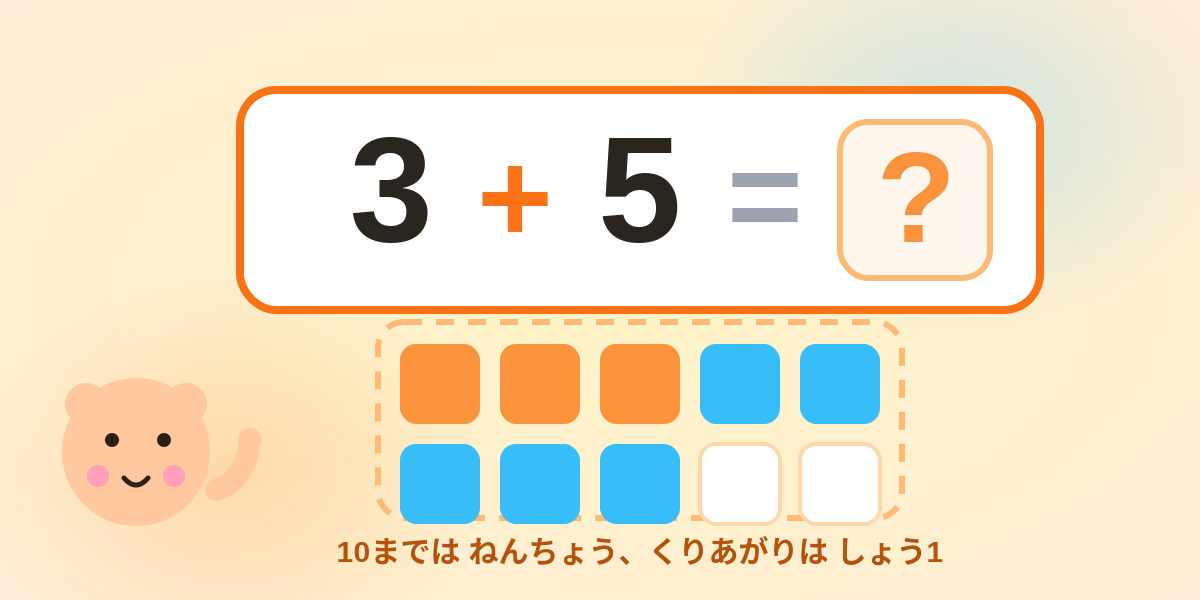
Addition and Subtraction: What Age? Within 10 at 5–6, Carrying in First Grade, and Why Counting on Fingers Is Fine
November 16, 2026
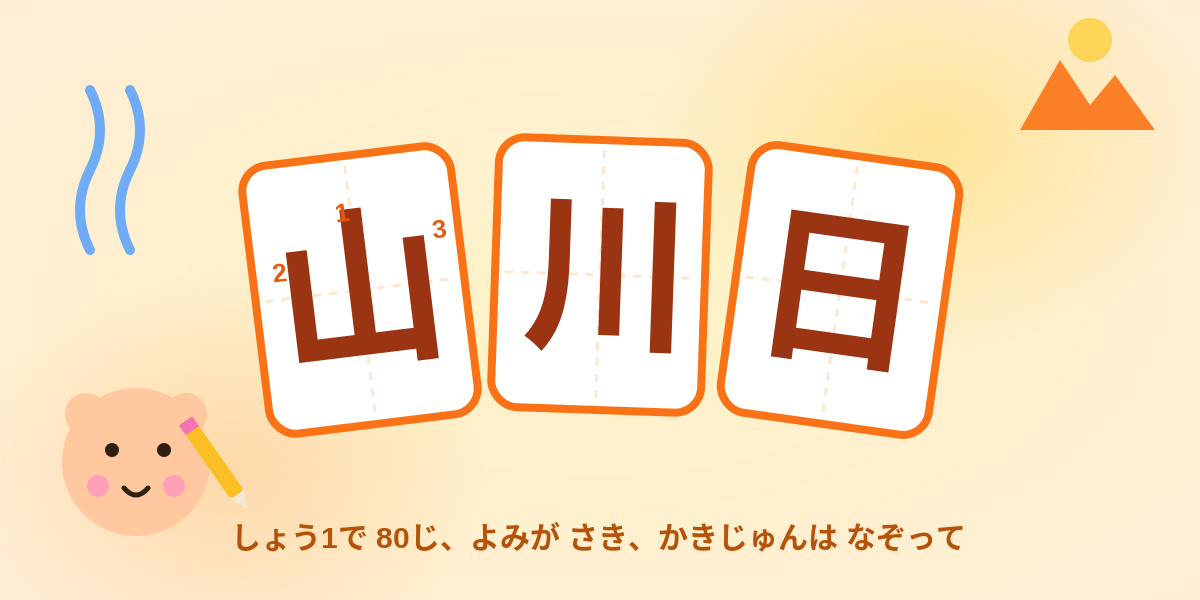
Kanji: what age? 80 in grade 1, reading before writing, and stroke order you trace rather than memorise
November 15, 2026